Introduction
Creating high-quality images has become easier with the development of artificial intelligence. In 2026, AI image generators are helping bloggers, designers, students, marketers, businesses, and social media creators turn simple written descriptions into detailed visual content.
Previously, creating a custom image often required photography equipment, illustration skills, or professional design software. AI-powered tools have introduced another option: users can describe a scene, choose a visual style, and generate an image that matches their creative idea.
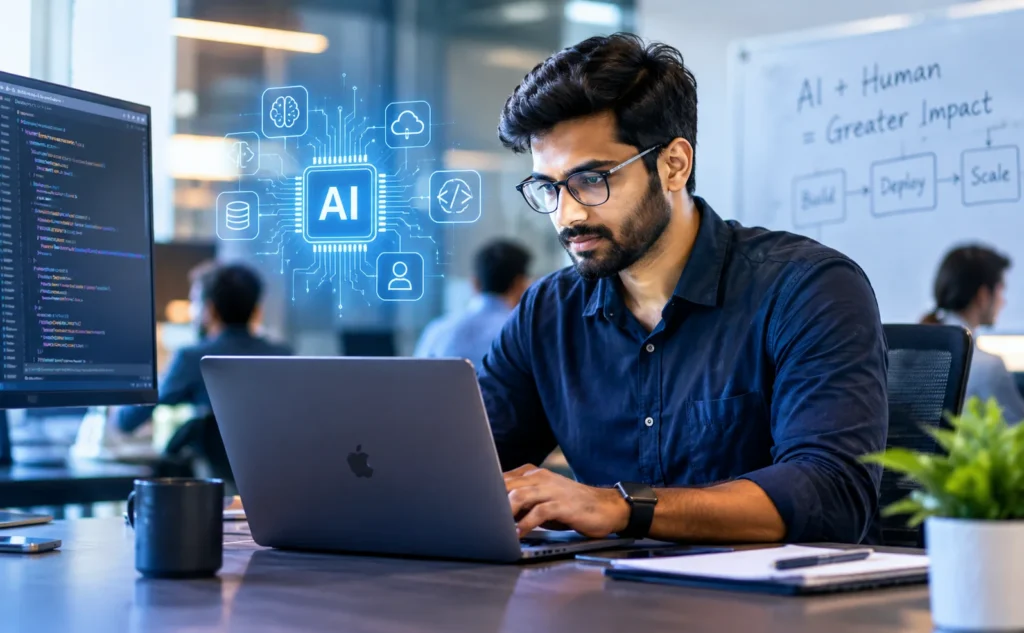
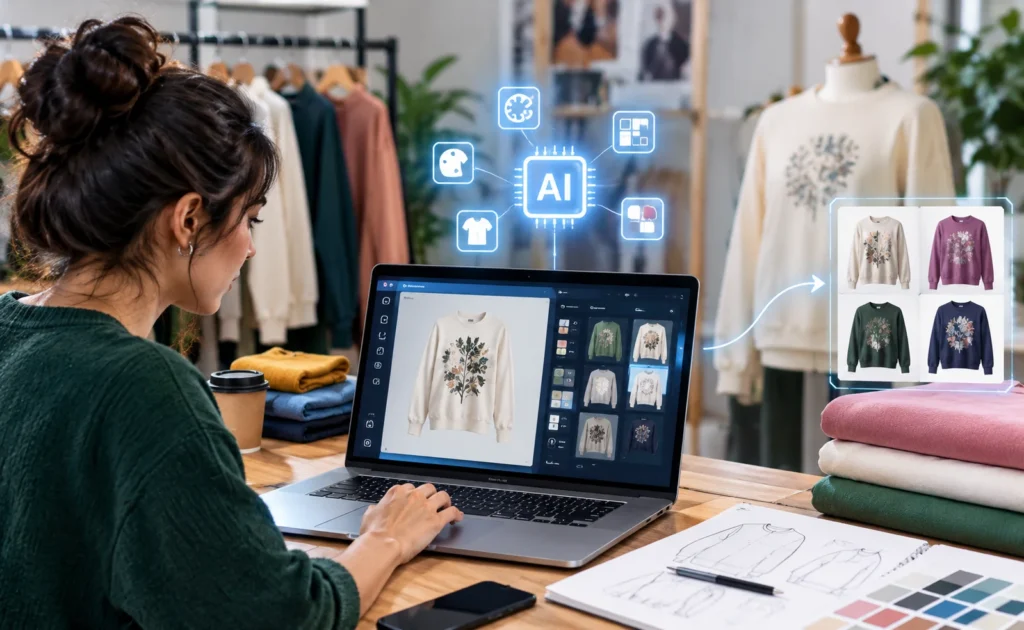
For example, a technology blogger can describe a futuristic workspace with a laptop and intelligent digital interfaces. An online shop owner can develop product-concept visuals, while a student can create illustrations for a presentation. AI tools can assist with these projects without requiring advanced drawing skills.
However, not every image generator offers the same capabilities. Some are particularly useful for realistic photographs, others are better for posters containing text, and some provide greater control over image editing or artistic styles. Free access also varies, with certain services offering limited credits or restricting advanced features to paid subscriptions.
This guide explores some of the best free AI image generators to consider in 2026, explains their main features, examines their limitations, and helps you choose the right tool for your needs.
What Is an AI Image Generator?
An AI image generator is a software tool that creates visual content from instructions, commonly called prompts. Depending on the platform, it may produce realistic photographs, illustrations, digital artwork, product concepts, backgrounds, or other visual assets.
Many generators use text-to-image technology. The user enters a description, and the system produces one or more images based on the prompt.
Some platforms also support image-to-image editing, allowing users to upload an existing image and request changes. Other features may include background removal, object replacement, image expansion, style adjustments, and resolution enhancement.
For example, a user might enter the following prompt:
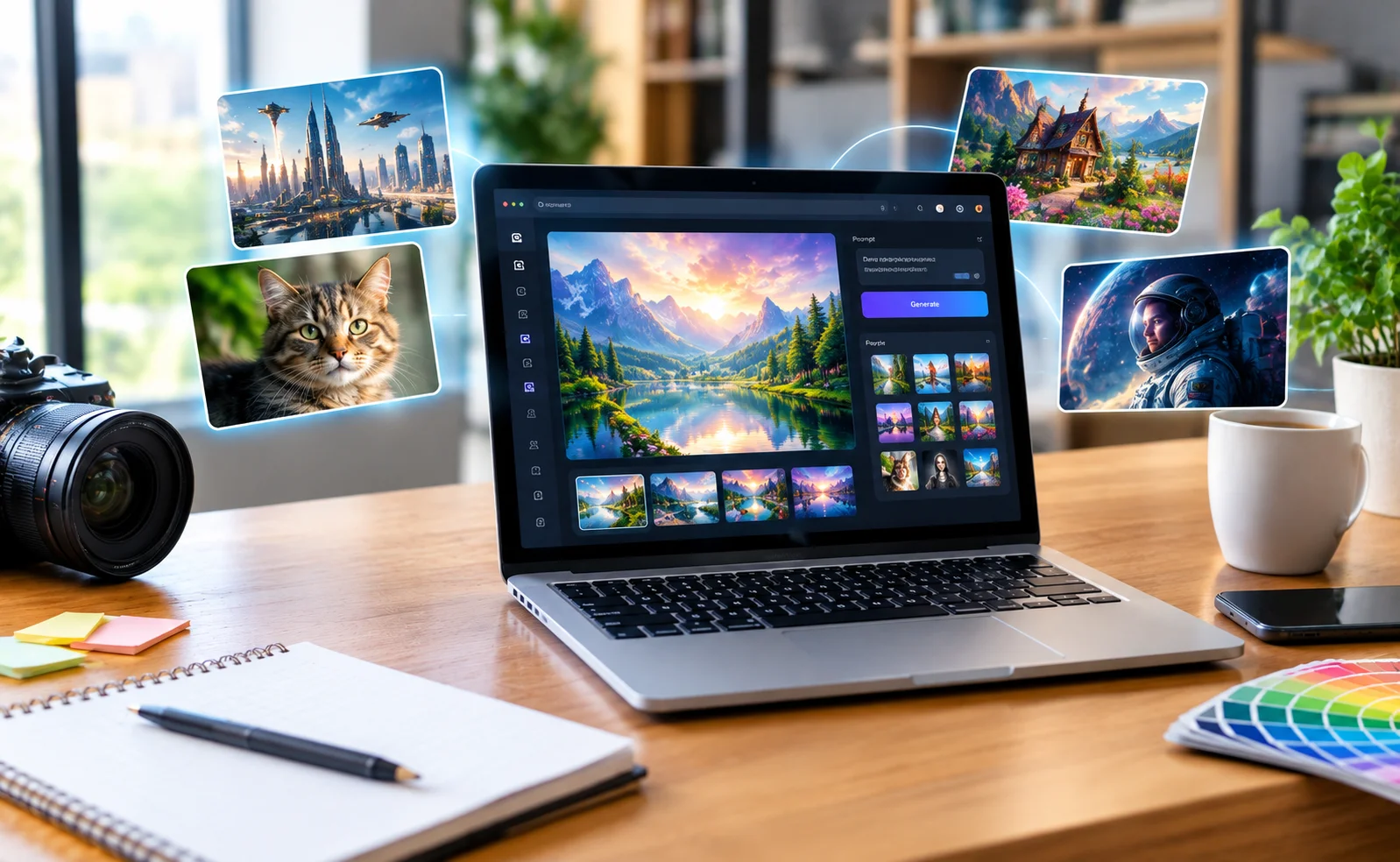
“Create a realistic photograph of a modern home office with a laptop, soft natural lighting, a green plant, and a clean wooden desk. Use a wide landscape composition without text.”
The generator interprets the description and creates a visual result. The user can then refine the prompt or make additional edits if the result does not match the original idea.
The quality of the output depends on the model, the prompt, the available settings, and the complexity of the requested image.
Best Free AI Image Generators in 2026
The following tools offer different approaches to AI-powered image creation. Their free allowances, account requirements, and commercial-use conditions may change, so the descriptions focus on their general strengths and considerations rather than guaranteeing a fixed number of free generations.
1. ChatGPT Image Generation
ChatGPT provides image-generation capabilities that allow users to describe an image conversationally. Users can explain their idea, request changes, and refine the result through follow-up instructions.
OpenAI’s official documentation confirms that image creation is available to Free-tier users, subject to usage limits. <Cite refs={[“turn543586search0”]}/>
Main features
- Generates images from written descriptions.
- Supports conversational refinement of visual ideas.
- Can help develop realistic scenes, illustrations, and creative concepts.
- Allows users to describe changes without learning complicated design software.
- Can assist with developing visual concepts for blogs, presentations, and social media.
Best uses
ChatGPT image generation can be useful for bloggers who need custom featured images, students preparing presentations, and creators who want to experiment with different visual concepts.
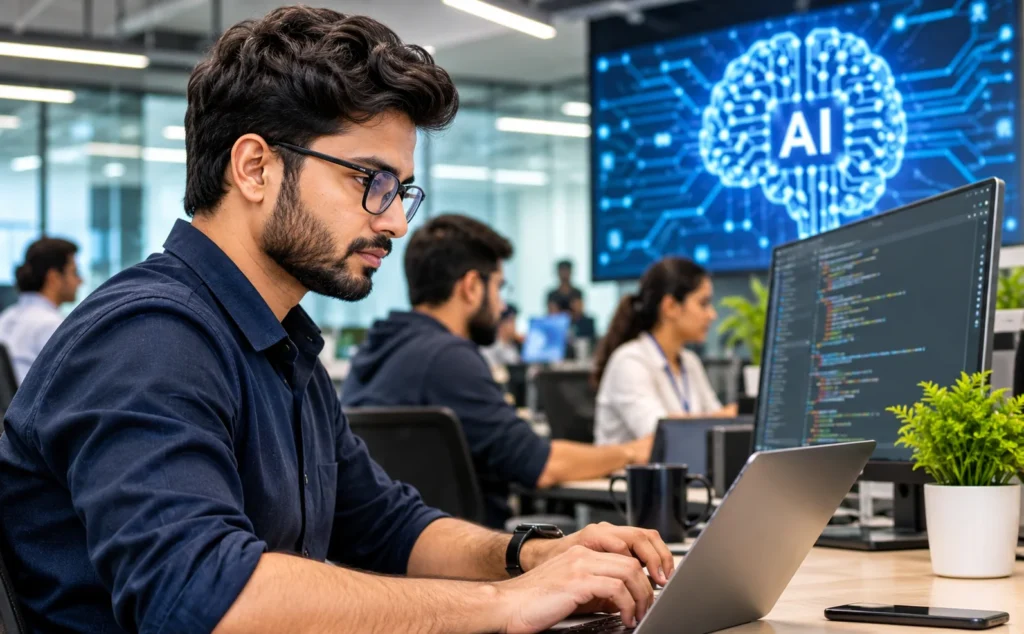
For example, a technology website can request a realistic image of an engineer working with an AI-powered computer system. The user can then ask for a wider composition, softer lighting, or fewer background elements.
Limitations
Free usage is limited, and image generation has separate usage limits from ordinary text conversations. Availability and limits may vary. Some requested details may also be interpreted differently from what the user intended.
Text inside generated images can be imperfect, so important headlines, logos, and labels are often better added afterward using a design editor.
Official resource: https://chatgpt.com/
2. Microsoft Designer
Microsoft Designer is an AI-assisted design application that helps users create and edit images, illustrations, invitations, social graphics, and other visual materials.
Microsoft offers a free version with a limited allowance for AI features. The precise availability of features depends on the account and current plan. <Cite refs={[“turn543586search3″,”turn543586search8”]}/>
Main features
- Generates images from written prompts.
- Provides tools for editing and improving visuals.
- Supports background removal or blurring.
- Helps users create graphics for social media and personal projects.
- Offers design controls for adjusting and customizing visual materials.
Best uses
Microsoft Designer can be useful for creators who want to generate an image and then turn it into a finished graphic. It is suitable for invitations, promotional designs, presentations, and simple marketing materials.
A blogger might create a technology-themed background and then use an editor to place a headline or website branding on top.
Limitations
AI usage is subject to limits, and some features may require a subscription. Microsoft also states that Designer is licensed for personal, non-commercial use under its applicable terms, so users planning to publish commercial material should check the current licensing conditions carefully. <Cite refs={[“turn543586search3”]}/>
Official resource: https://designer.microsoft.com/
3. Canva AI Image Generator
Canva is a visual design platform that combines image creation with editing and layout tools. Its Magic Media feature allows users to describe an image, select a style, choose a layout, and generate visual content within the design workflow.
Canva’s documentation explains that Magic Media supports image generation in styles such as photography, digital art, and fine art. <Cite refs={[“turn543586search2”]}/>
Main features
- Generates images from text descriptions.
- Offers several visual styles and layout options.
- Integrates generated images into a larger design.
- Provides tools for adding typography, shapes, and other graphic elements.
- Supports the creation of multiple types of visual content.
Best uses
Canva can be especially helpful when an image needs to become part of a finished design.
For example, a small business can create a background image and incorporate it into a promotional graphic. A blogger can generate a visual concept and then arrange it within a consistent featured-image template.
Limitations
AI generation is subject to usage allowances, which can depend on the plan and feature. Users may need a paid subscription for more extensive access.
Generated images may also need manual editing to correct composition issues or improve consistency. Canva notes that AI-generated content may not provide exclusive rights and that copyright laws vary between countries. <Cite refs={[“turn543586search2”]}/>
Official resource: https://www.canva.com/
4. Adobe Firefly
Adobe Firefly is a family of generative AI tools designed to support creative work, including image generation and editing.
It can be useful for people who want more control over visual appearance and workflows that connect with other creative applications.
Main features
- Generates images from text prompts.
- Supports creative image-editing workflows.
- Helps develop visual concepts and alternative compositions.
- Provides tools for modifying and refining artwork.
- Integrates with parts of Adobe’s creative ecosystem.
Best uses
Adobe Firefly can be considered for marketing concepts, illustrations, advertising mock-ups, creative experiments, and visual assets that require additional refinement.
A designer might use it to explore several possible campaign images before selecting a concept for further editing.
Limitations
Free access and generative credits are limited and may change. Some advanced features or higher usage allowances require payment.
Users should also understand that a tool’s licensing approach does not automatically eliminate every copyright or trademark concern. Before using an image commercially, check the applicable terms and ensure that the content does not improperly reproduce protected characters, logos, or other material.
Official resource: https://firefly.adobe.com/
5. Leonardo AI
Leonardo AI is an image-generation platform that offers tools for producing and refining visual artwork. It can be useful for creators who want to explore different aesthetics and develop images for digital projects.
Main features
- Creates images from text prompts.
- Supports a variety of artistic and visual styles.
- Provides image-generation settings and creative controls.
- Offers tools for refining and developing visual concepts.
- Can support concept art, illustrations, and stylized scenes.
Best uses
Leonardo AI may suit game-concept designers, digital artists, content creators, and people who want to experiment with detailed fictional environments.
For instance, a creator developing a science-fiction article might generate a futuristic city, a fictional robot, or a conceptual technology laboratory.
Limitations
The free experience may use a limited token or credit allowance. Access to particular models, editing options, and other capabilities can depend on the plan.
New users may also need time to understand the available settings. Before using generated images in commercial projects, review the current rules governing ownership, public visibility, and permitted use.
Official resource: https://leonardo.ai/
6. Ideogram
Ideogram is an AI image-generation platform known for its focus on images that include written text. This makes it worth considering for certain poster, typography, and graphic-design tasks.
Main features
- Generates visual content from written prompts.
- Supports designs that combine imagery and typography.
- Can help create poster concepts, promotional graphics, and visual compositions.
- Offers creative controls for exploring different styles.
Best uses
Ideogram can be useful when a design depends on words appearing inside the generated image. Examples include poster concepts, stylized lettering, and selected social media graphics.
For example, a creator could request a colorful promotional concept with a short central phrase and a coordinated background.
Limitations
Text rendering is not guaranteed to be perfect. Complex wording, small letters, and precise layouts may still require manual correction.
Free access may have limited credits, slower generation, or restrictions on particular features. Review the current plan and privacy settings before using the service for sensitive or commercial projects.
Official resource: https://ideogram.ai/
7. Google Gemini Image Generation
Google Gemini includes image-generation capabilities that can help users develop and refine visual ideas through prompts and conversational instructions.
Its available models and usage allowances can vary by account, region, and plan.
Main features
- Generates images from descriptions.
- Supports creative exploration and visual brainstorming.
- Can help users refine image concepts through additional instructions.
- Offers a conversational interface for describing changes.
- Can be useful for a range of general creative tasks.
Best uses
Gemini can be considered for educational illustrations, conceptual visuals, blog imagery, and creative experiments.
For example, a student could request an illustration of a renewable-energy system, while a blogger might explore different visual approaches for an article about emerging technology.
Limitations
Free usage is subject to current limits, and advanced capabilities may require a paid plan. Image results may not always match every detail of the prompt.
Users should also verify factual details when creating diagrams or educational images. A visually convincing output is not necessarily technically accurate.
Official resource: https://gemini.google.com/
8. Stable Diffusion-Based Tools
Stable Diffusion refers to a family of image-generation models that can be used through different applications and interfaces. Some implementations allow users to run compatible models locally, while others provide browser-based generation.
This approach can offer greater flexibility for people interested in customizing their image-generation workflow.
Main features
- Supports a wide range of artistic styles.
- Can be used with different interfaces and model configurations.
- Offers options for image generation and, in some workflows, image editing.
- Can provide greater technical control than simpler hosted generators.
- Some models can be run on a compatible personal computer.
Best uses
Stable Diffusion-based tools may suit experienced creators, digital artists, and technically curious users who want to customize how images are generated.
They can be particularly useful for experimentation, concept development, and workflows that need repeatable settings.
Limitations
Not every Stable Diffusion service is free, and running models locally may require suitable hardware and technical setup. Hosted services can impose their own credits, account requirements, or restrictions.
Licensing also varies by model and version. A model being openly available does not automatically mean every generated image can be used for any commercial purpose.
Official resource: https://stability.ai/
Comparison of the Best Free AI Image Generators
The following table summarizes the general strengths and considerations of the tools discussed above.
| Tool |
Main strength |
Suitable for |
Main limitation |
| ChatGPT |
Conversational image creation |
Blog visuals and creative concepts |
Usage limits |
| Microsoft Designer |
AI-assisted design and editing |
Personal graphics and layouts |
Plan and licensing restrictions |
| Canva AI |
Image creation within a design workflow |
Social media and marketing graphics |
Limited AI allowances |
| Adobe Firefly |
Creative generation and editing |
Design and marketing concepts |
Limited free access |
| Leonardo AI |
Artistic control and visual experimentation |
Concept art and illustrations |
Credits and learning curve |
| Ideogram |
Text-oriented image design |
Posters and typography |
Text may need correction |
| Google Gemini |
Conversational visual creation |
General-purpose imagery |
Account and usage limits |
| Stable Diffusion tools |
Customization and flexibility |
Advanced creative workflows |
Setup and licensing differences |
These are practical use-case comparisons, not a definitive ranking of image quality. Actual results depend on the model version, prompt, settings, and individual requirements.
How to Choose the Right AI Image Generator
Choosing an image generator becomes easier when you identify the kind of work you want to produce.
For realistic photographs
Look for a tool that follows detailed prompts, creates convincing lighting, and produces natural-looking objects and environments.
Describe the camera perspective, setting, lighting, composition, and mood rather than simply writing “make it realistic.”
For blog featured images
Choose a generator that can create wide compositions and interpret the subject of an article accurately.
A good featured image should communicate the topic visually without becoming crowded with unnecessary objects. If your website uses a consistent style, reuse similar lighting, color direction, and composition across related posts.
For posters containing text
Consider a platform designed to handle typography. Even then, inspect the final result carefully and add important text manually when exact spelling and layout matter.
For social media content
A design platform with built-in templates and editing features can save time because it combines image creation with layout adjustments.
For advanced creative projects
Consider tools that provide control over image settings, reference images, model selection, or local workflows. These features may require additional learning or hardware.
For commercial projects
Do not choose a tool based on image quality alone. Read the terms governing commercial use, attribution, output ownership, privacy, and prohibited uses before publishing or selling the results.
How to Write Better Prompts for AI Image Generation
A well-written prompt helps the generator understand what you want. It also makes it easier to compare results across multiple attempts.
A useful prompt can include five elements:
- Subject: What should appear in the image?
- Environment: Where does the scene take place?
- Visual style: Should it resemble a photograph, illustration, or digital artwork?
- Lighting and composition: What should the image look like, and how should the subject be positioned?
- Restrictions: What should be excluded?
For example, instead of writing:
“Make an AI image.”
You could write:
“Create a realistic, wide landscape photograph of a modern technology workspace, featuring a laptop on a wooden desk, a small indoor plant, soft daylight through a window, natural colors, and a clean professional composition. No readable text, no logos, and no watermark.”
The second prompt provides clearer guidance about the scene and the intended result.
If the image does not match your expectations, refine one or two details at a time. You might change the camera angle, simplify the background, or adjust the lighting rather than rewriting the entire prompt.
Common Limitations of Free AI Image Generators
Although free AI image generators are useful, they have limitations that users should understand.
1. Usage restrictions
Free plans often include limited generations, credits, or access to selected models. Users who create many images may need to wait for a reset or consider a paid option.
2. Inaccurate details
An image may contain distorted hands, inconsistent objects, incorrect lettering, or unusual proportions. Review the final image rather than assuming it is correct because it looks realistic.
3. Difficulty with exact instructions
Generators can misunderstand complex prompts or combine elements in unexpected ways. A shorter, more specific description can sometimes produce better results.
4. Limited resolution or editing
Some free plans restrict output size, image enhancement, or advanced editing. This may matter when creating large graphics or preparing detailed print materials.
5. Privacy considerations
Some services process prompts and uploaded images through online systems. Avoid uploading private documents, confidential business material, or personal photographs unless you understand the service’s privacy practices and have permission to use the material.
6. Copyright and licensing uncertainty
AI-generated images can still raise legal or ethical questions. A generated image might resemble protected material, include an unauthorized logo, or contain elements that create rights concerns.
The legal treatment of AI-generated work varies by jurisdiction. Users should not assume that every generated image is automatically copyright-free or that they necessarily hold exclusive rights to it.
7. Consistency across multiple images
Maintaining the same character, product, or visual identity across many generations can be difficult. Reference-image tools and consistent prompts may help, but results still need inspection.
Can You Use AI-Generated Images on a Website?
AI-generated images can be useful for website articles, educational resources, business presentations, and marketing materials, provided the selected tool’s terms and the intended use allow it.
Before publishing an image, consider the following checklist:
- Confirm that the tool permits your intended use.
- Avoid unauthorized logos and protected characters.
- Check whether attribution is required.
- Inspect the image for visual errors.
- Make sure the image accurately represents the article.
- Add suitable alternative text for accessibility.
- Compress the image to help improve website loading speed.
- Keep records of the tool and terms used when preparing important commercial assets.
For news websites, it is particularly important not to present a fictional AI-generated scene as a genuine photograph of a real event. If an image is illustrative rather than documentary, label it appropriately when needed.
AI images should support trustworthy content, not create a misleading impression about what actually happened.
Tips for Bloggers Using AI Image Generators
For bloggers and publishers, AI image generation can reduce the time needed to develop custom visual concepts. A consistent workflow can make this process more manageable.
Match the image to the article. A cybersecurity article should have a visual concept related to digital security rather than an unrelated futuristic landscape.
Use consistent dimensions. Choose a standard featured-image ratio for your website so that images fit the layout consistently.
Avoid unnecessary text. If the image will appear beside an article title, a clean visual without embedded text often provides more flexibility.
Keep the composition simple. A clear focal point can work better than a crowded scene containing many unrelated objects.
Review the final result. Check for distorted details, accidental lettering, visual artifacts, and misleading elements.
Optimize file size. Use a suitable image format and compression settings to balance visual quality with website performance.
Maintain a recognizable style. Consistent visual direction can help readers identify your website’s content across different articles.
These practices are particularly helpful for technology blogs, online magazines, and websites that publish new articles regularly.
Frequently Asked Questions
1. What is the best free AI image generator in 2026?
There is no single best tool for every purpose. ChatGPT and Gemini are options for conversational image creation, Canva is useful for integrated design work, Ideogram is worth considering for typography-focused graphics, and Stable Diffusion-based workflows offer customization. The right choice depends on your task and the current free allowance.
2. Can beginners create AI images without design skills?
Yes. Most text-to-image tools allow beginners to start by describing what they want in ordinary language. Some experimentation may be necessary to achieve the desired result.
3. Are free AI image generators completely free?
Not always without restrictions. Many services provide a free tier with limited credits, generations, resolution, or features. Some advanced capabilities require payment.
4. Can AI-generated images be used commercially?
That depends on the tool, its current terms, the model involved, and the intended use. Review the applicable licensing conditions and consider possible copyright, trademark, privacy, and other rights issues before using an image commercially.
5. Can AI image generators create realistic photographs?
Many can produce convincing photographic-style images. However, they may still generate inaccurate details or visual inconsistencies, so the result should be checked carefully.
6. Are AI-generated images automatically copyright-free?
No. The legal status of AI-generated material varies by jurisdiction and circumstance. Some outputs may receive limited or no copyright protection, while other situations may involve protected source material or third-party rights. Do not assume that an image is free of every legal restriction.
7. Which tool is suitable for blog featured images?
A tool that can produce realistic scenes, follow detailed prompts, and create suitable landscape compositions is a sensible starting point. Select the image based on its relevance, quality, and licensing conditions rather than popularity alone.
Conclusion
Free AI image generators have made visual creation more accessible in 2026. They allow users to experiment with realistic scenes, illustrations, marketing graphics, educational visuals, and creative concepts without necessarily needing professional design skills.
ChatGPT, Microsoft Designer, Canva AI, Adobe Firefly, Leonardo AI, Ideogram, Google Gemini, and Stable Diffusion-based tools each offer different advantages. Some focus on conversational generation, others combine image creation with design features, and some provide greater flexibility for advanced users.
Nevertheless, free access comes with practical considerations, including usage limits, varying image quality, editing restrictions, and different licensing conditions. The most suitable tool is the one that meets your visual requirements while allowing you to use the result responsibly.
For bloggers and website owners, the best approach is to choose a suitable generator, write specific prompts, inspect every image, optimize it for the website, and verify the applicable usage terms before publication.
AI can make image creation faster and more convenient, but careful human review remains essential for producing useful, professional, and trustworthy visual content.